 FluxFTP
Secure connections
SFTP with password or private-key login, FTP with explicit or implicit TLS, and SSH host-key verification on every connect.
New in 1.1.3: pause & resume, jump hosts, much faster SFTP
FluxFTP is a secure SFTP and FTP client for iPhone, iPad and Android. Browse remote folders, move files with pause and resume, edit code and open an SSH terminal, without a laptop.
iPhone & iPad (iOS 15.6+) · Android phones, tablets & foldables · No ads · 21 languages
What is FluxFTP?
FluxFTP connects your phone or tablet directly to servers you own or manage, over SFTP (SSH File Transfer Protocol) or FTP, FTPES and FTPS. You can upload and download files, edit code and configuration in place, run commands in an SSH terminal, and keep every server's password and key encrypted on the device. It is made for web developers, system administrators, DevOps engineers and anyone who looks after a website or server.
Features
SFTP with password or private-key login, FTP with explicit or implicit TLS, and SSH host-key verification on every connect.
Uploads and downloads pause, resume and survive dropped connections, over SFTP and FTP, picking up where they stopped.
Modern ChaCha20-Poly1305 encryption makes transfers many times faster than AES-GCM in pure software, with no loss of security.
Syntax highlighting, find & replace, go to line and word wrap, with a warning before you overwrite a file someone else changed.
An interactive shell on any SFTP server, plus saved commands you can send with one tap.
Reach a private server through a bastion, just like ssh -J, and connect to IPv6 addresses.
Multi-file upload, move, copy, rename, chmod, recursive delete, folder download as zip, bookmarks and recent folders.
Find files by name in every subfolder below the current one, then jump straight to the result.
Open images, PDFs, video and audio, and read Markdown rendered, straight from the server.
Generate an ed25519 key on the device and copy its public key into authorized_keys.
Encrypted server database, passwords in the Keychain / Keystore, Face ID or passcode lock, and no ads.
Move every server, key and bookmark to a new phone in one passphrase-protected AES-256 file.
Screenshots
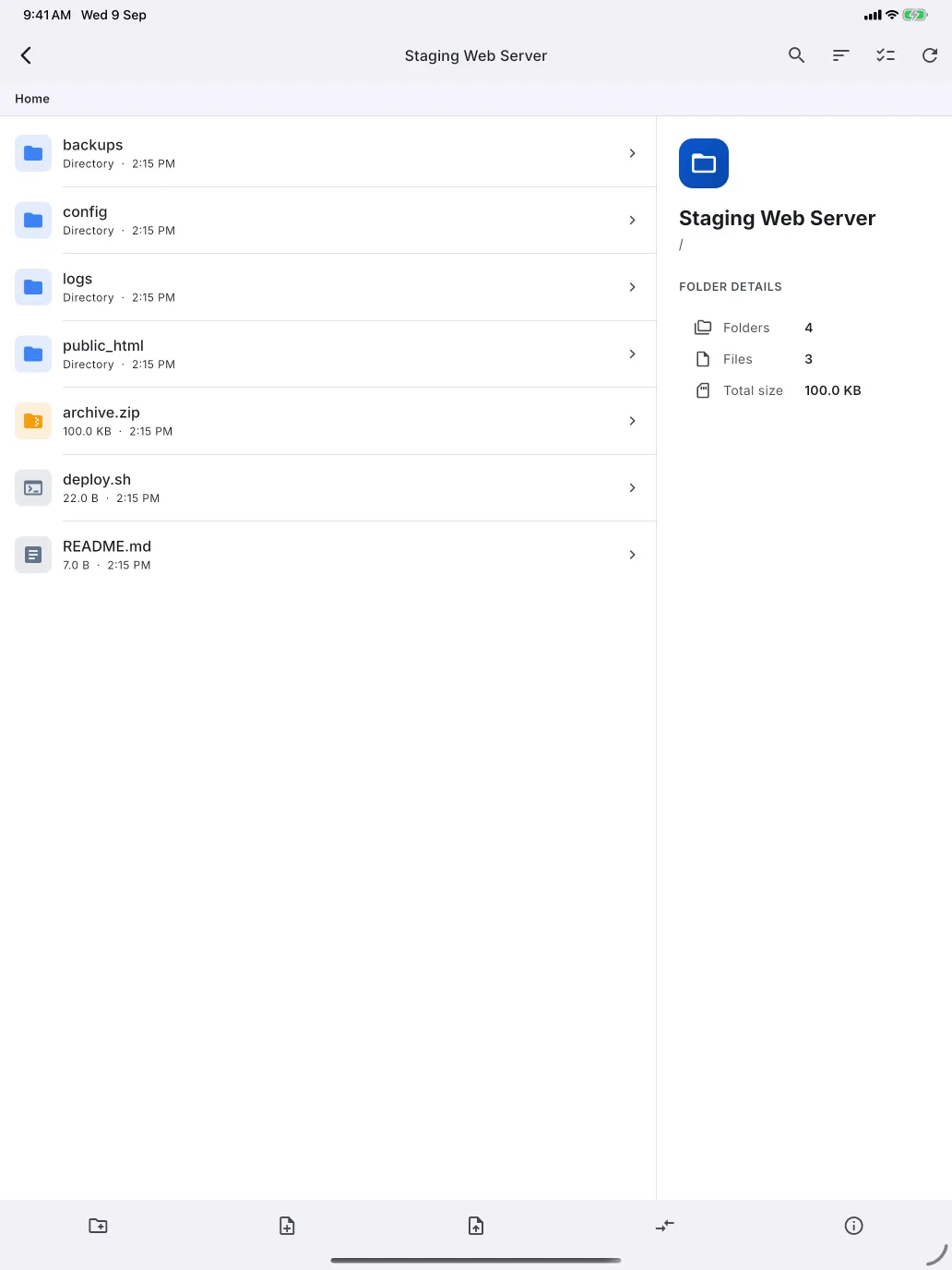
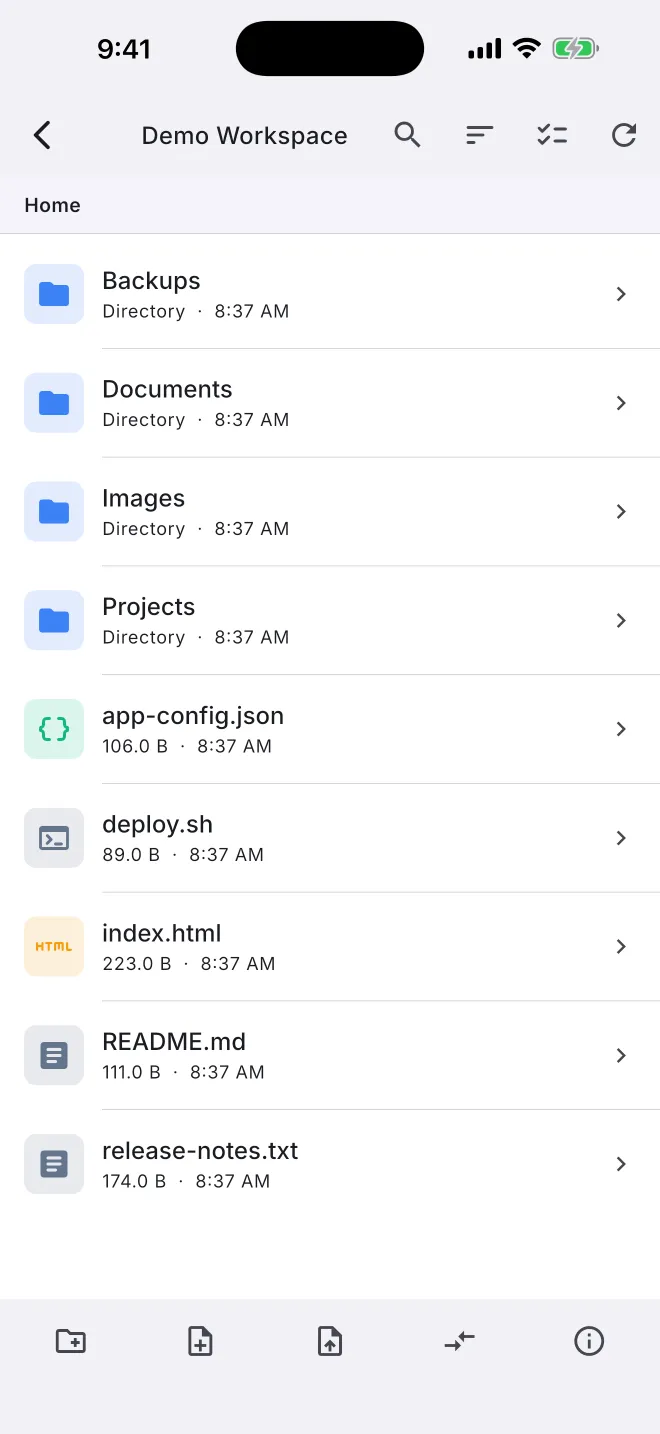
Folders, files, sizes and dates, with search and sort.
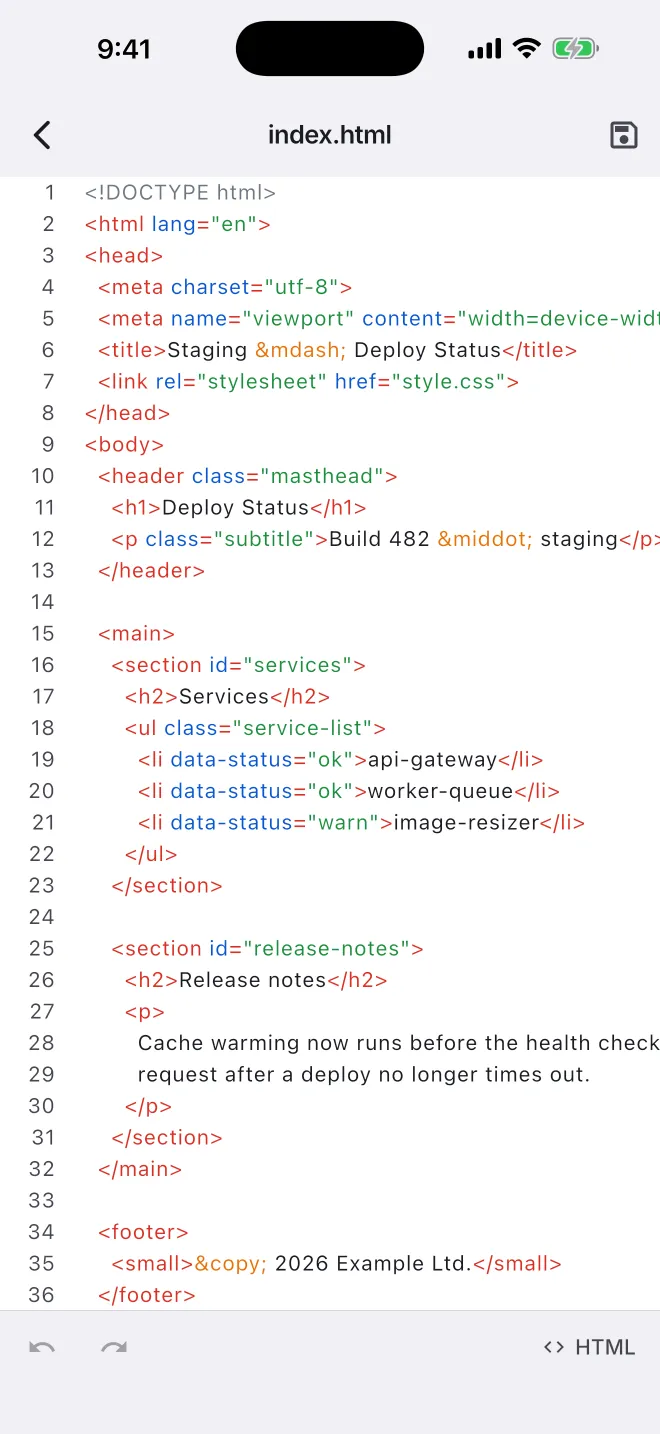
Syntax highlighting, find & replace and safe saving.
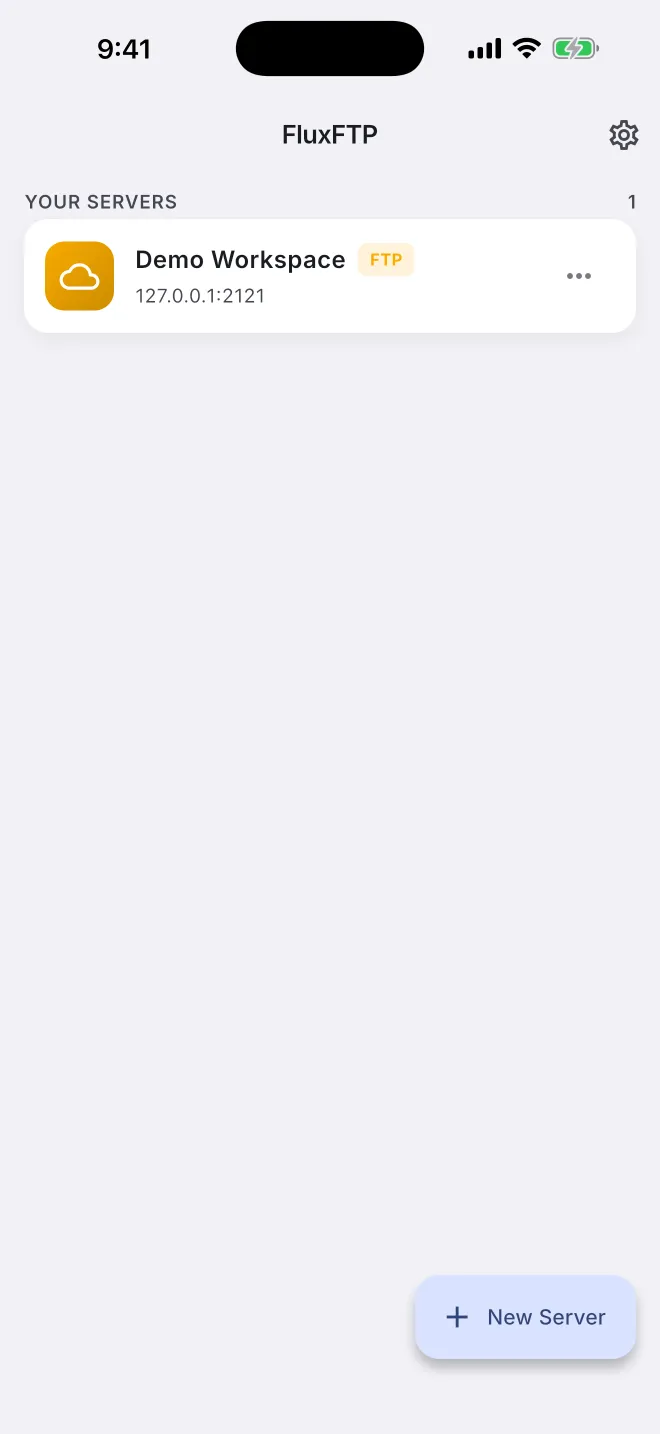
SFTP, FTP, FTPES and FTPS profiles in one list.
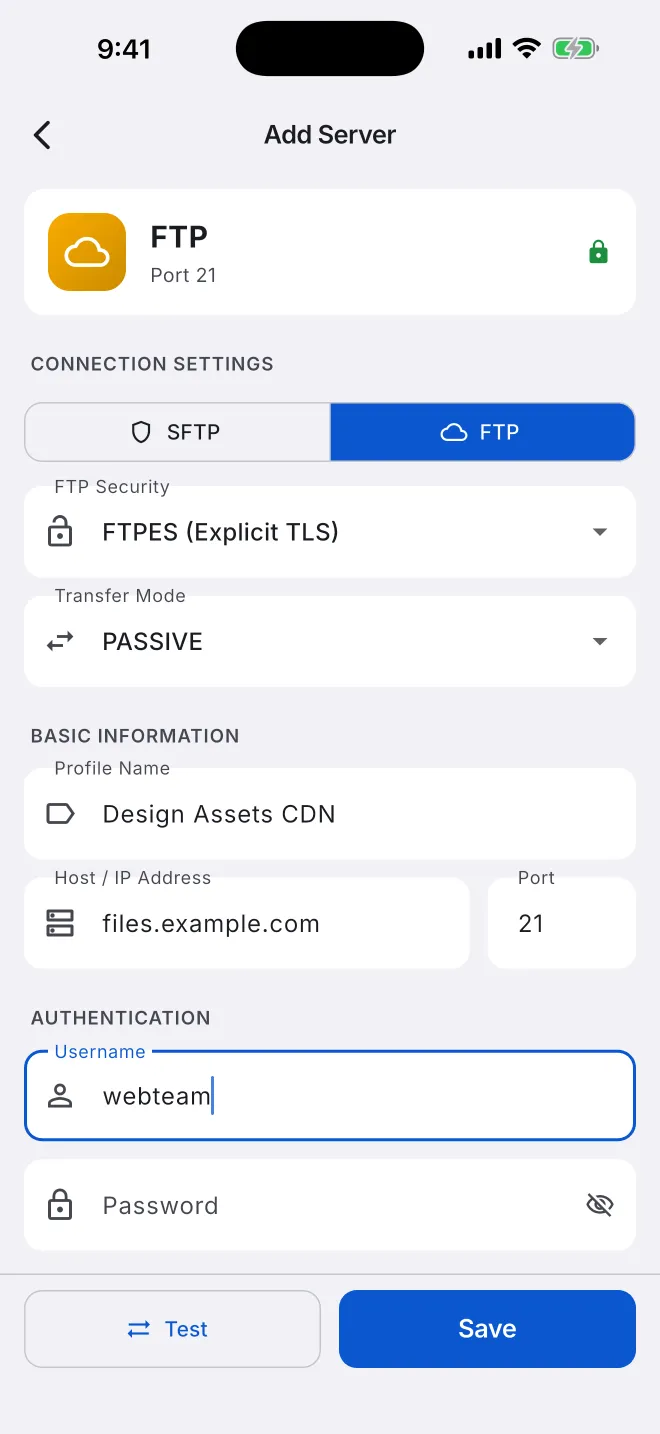
Password or private key, jump host and IPv6.
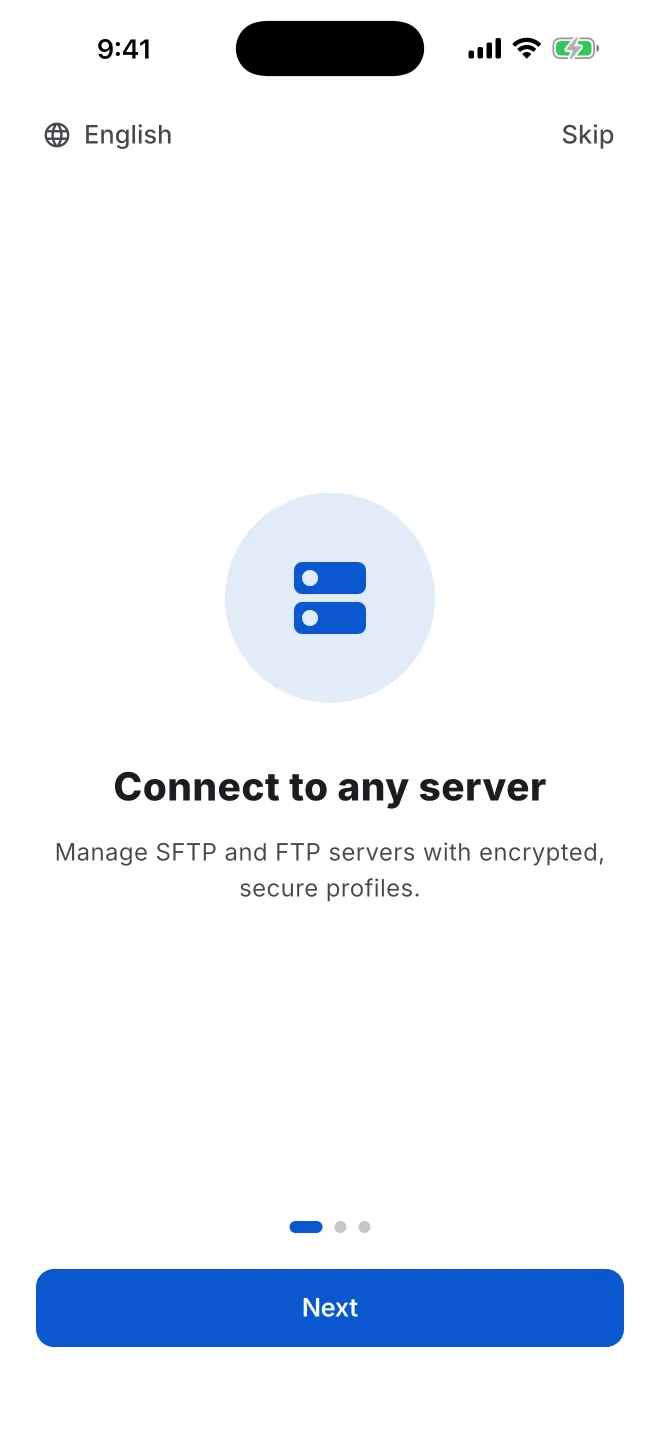
Encrypted, secure profiles for every protocol.
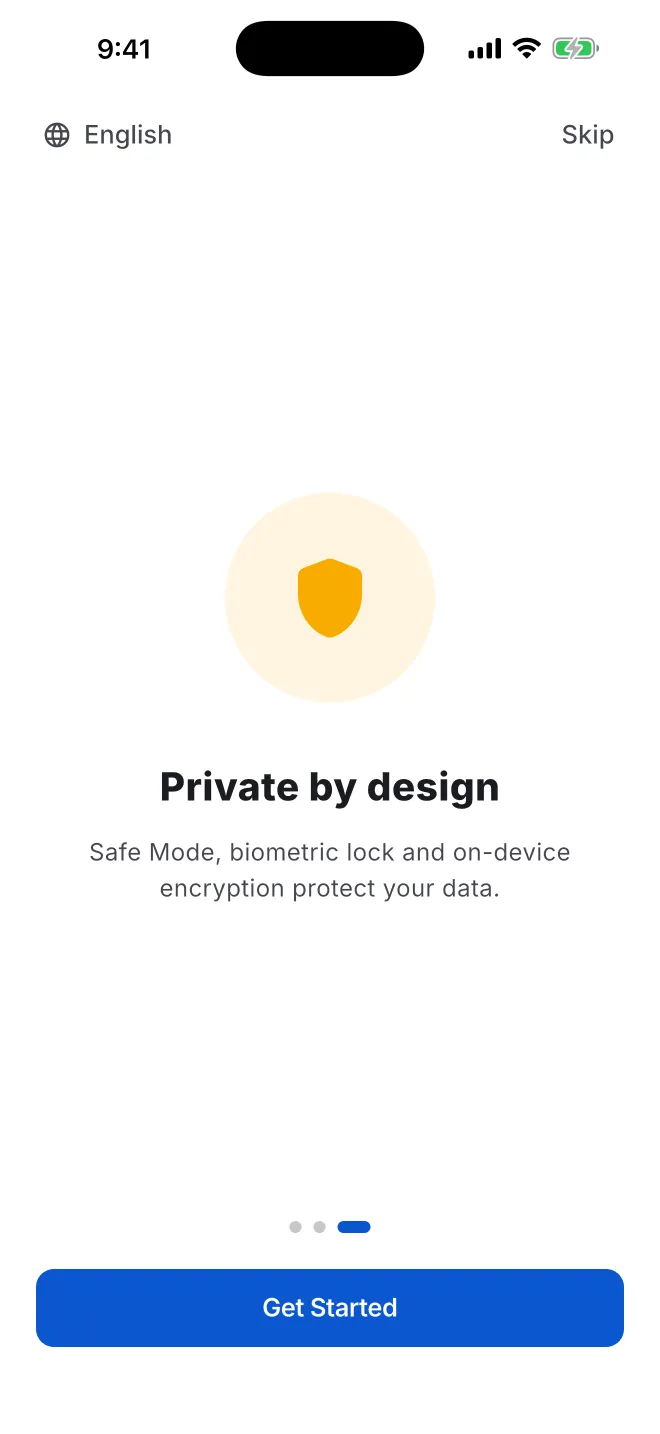
Encrypted storage and Face ID app lock.
Servers and files side by side on iPad.
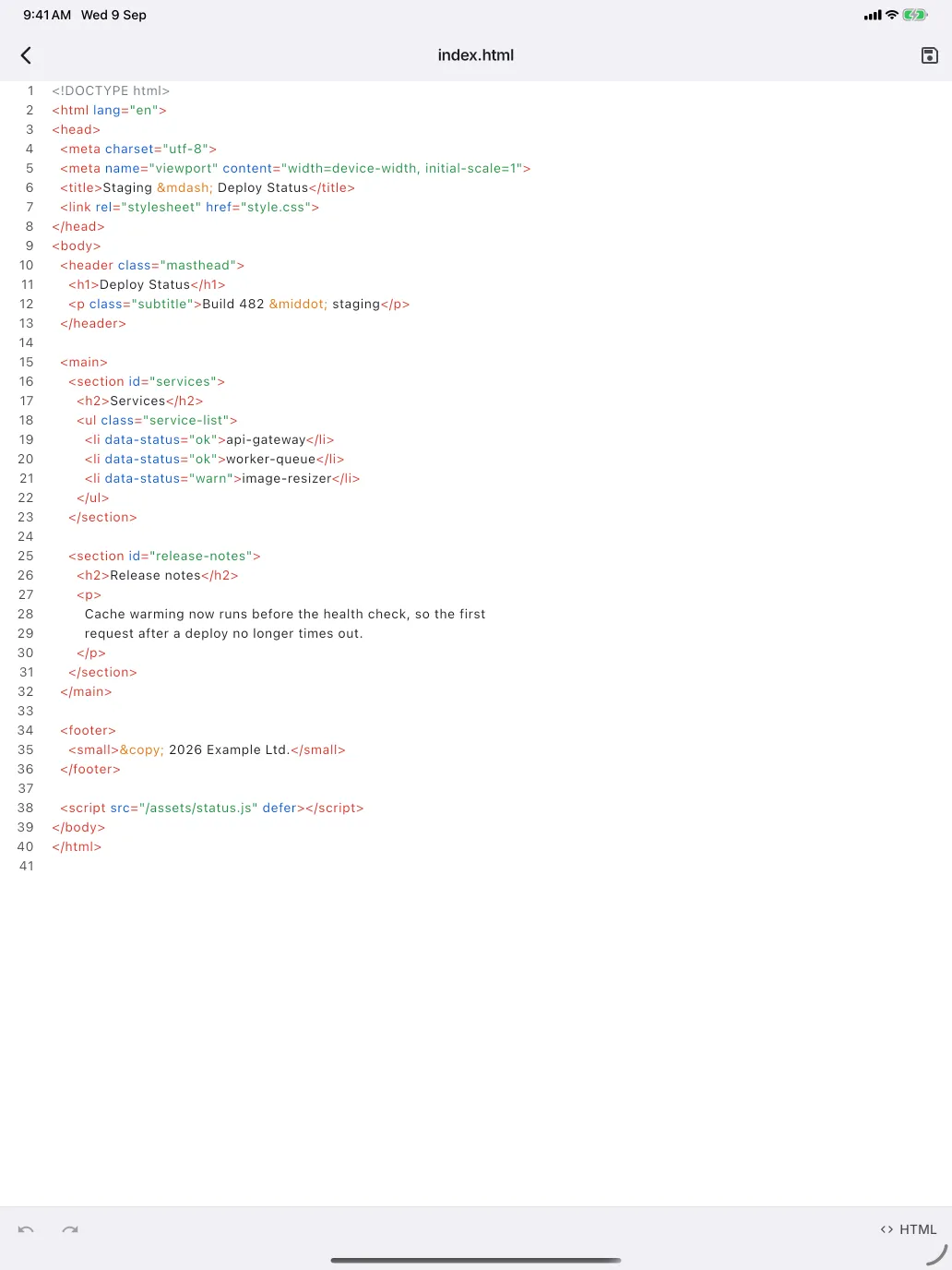
Keyboard shortcuts and a roomy code view.
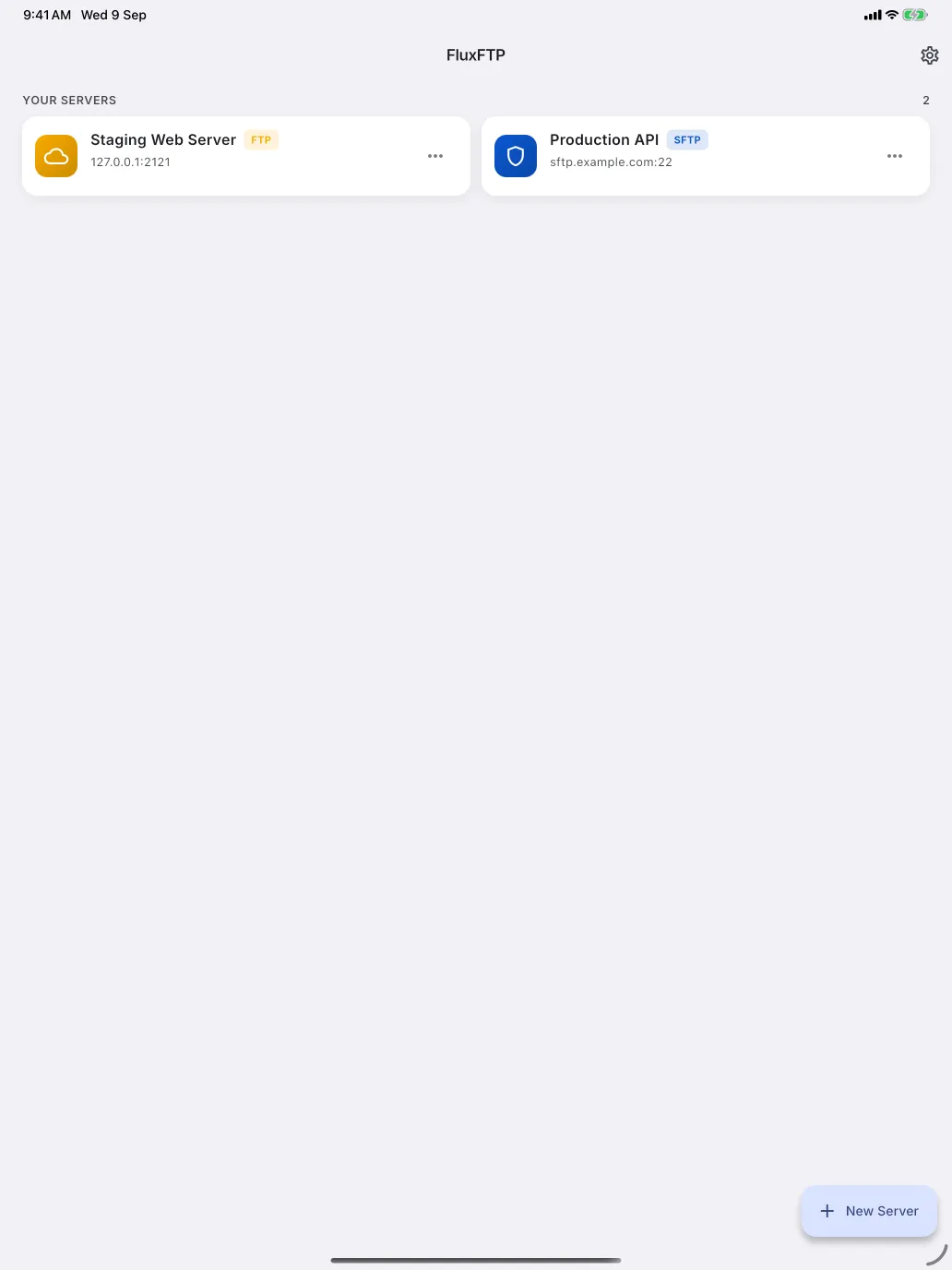
Your whole fleet in a tablet layout.
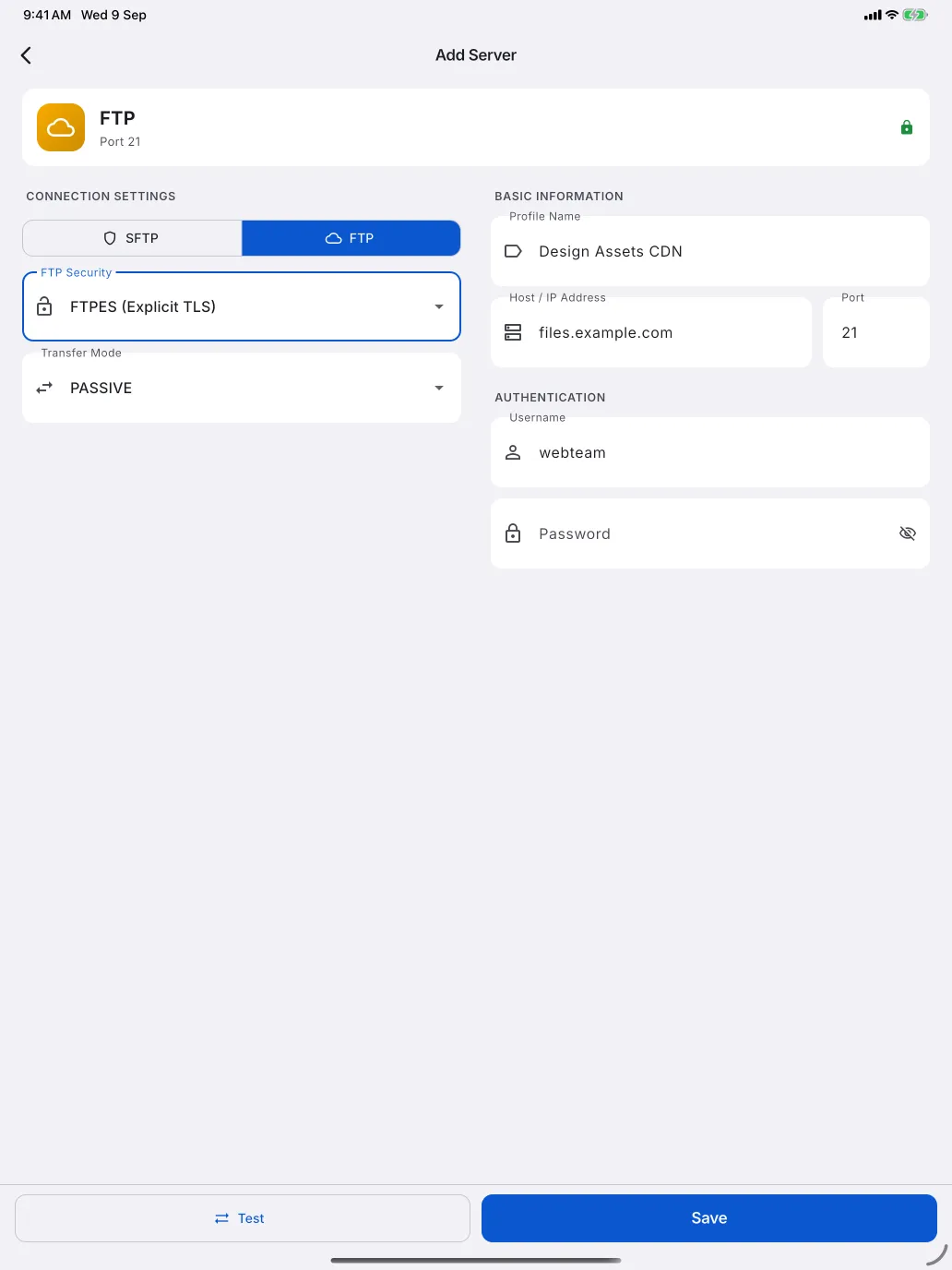
SFTP, FTP, FTPES and FTPS.
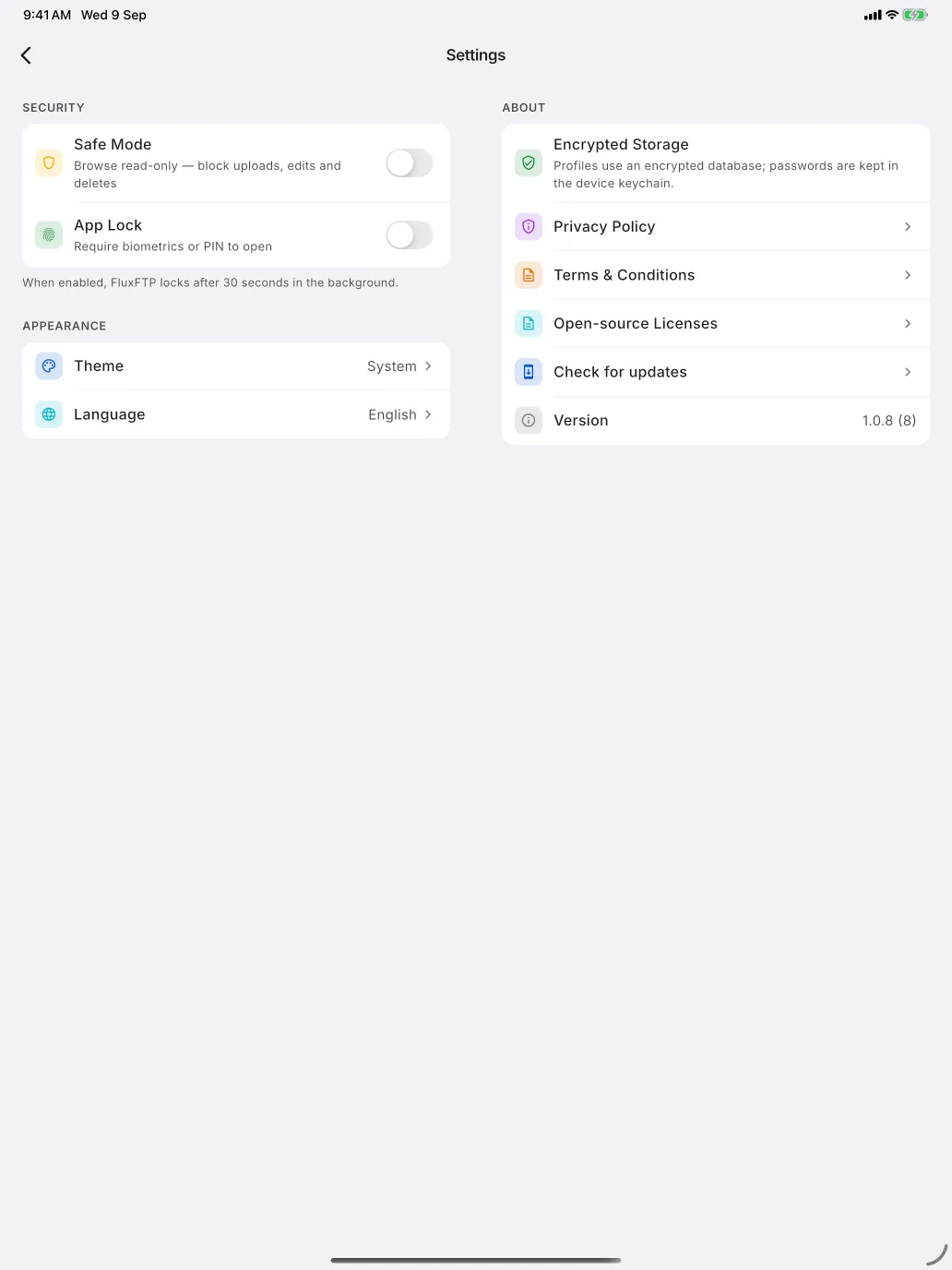
Encrypted database and Face ID lock.
iPad, tablets & foldables
On iPad, Android tablets and unfolded phones FluxFTP shows your servers and their files side by side, like a desktop client.
For developers
A typo in production at dinner? Open the file, find the line, fix it and save. FluxFTP checks the file hasn't changed on the server first, so you never overwrite a teammate's edit.
What's new in 1.1.3
FAQ
FluxFTP is a mobile SFTP and FTP client for iPhone, iPad and Android. It lets you connect to your own servers to browse folders, upload and download files, edit text and code, and open an SSH terminal, all from your phone or tablet.
SFTP (file transfer over SSH, with password or private-key login), plain FTP, FTPES (FTP with explicit TLS) and FTPS (FTP with implicit TLS). FTP connections use passive mode. An interactive SSH terminal is available on SFTP servers.
Yes. Uploads and downloads can be paused and resumed over both SFTP and FTP. If the connection drops, the transfer continues from where it stopped instead of starting again, and transfers keep running while you browse other servers.
Yes. You can import an existing private key or generate a new ed25519 key inside the app and copy its public key line into the server's authorized_keys file. FluxFTP also verifies and remembers each server's SSH host key.
Yes. An SFTP server can be reached through another saved SFTP server, the same way ssh -J works. Each server's host key is checked separately.
Server profiles are kept in an encrypted database on your device, and passwords and the database key are stored in the iOS Keychain or Android Keystore. You can lock the app with Face ID, fingerprint or your device passcode. FluxFTP connects directly from your device to the servers you configure; credentials, keys and file contents are not sent to a FluxFTP cloud service.
Yes. FluxFTP includes a code editor with syntax highlighting, find and replace, go to line and word wrap. Before saving, it checks whether the file changed on the server and asks before overwriting someone else's edit.
Yes. On iPad, Android tablets and unfolded foldables the server list and file browser are shown side by side, and the layout follows the fold or hinge. It also supports hardware-keyboard shortcuts.
No. FluxFTP shows no advertising, has no in-app purchases or subscriptions, and does not need an account.
Yes. Settings > Backup writes every server, its keys and bookmarks, and optionally its passwords, to one file encrypted with a passphrase you choose (AES-256-GCM). Restore it on a new phone to get everything back.
Download FluxFTP for iPhone, iPad and Android.